

 Build Your Dream Website – with Website Wala



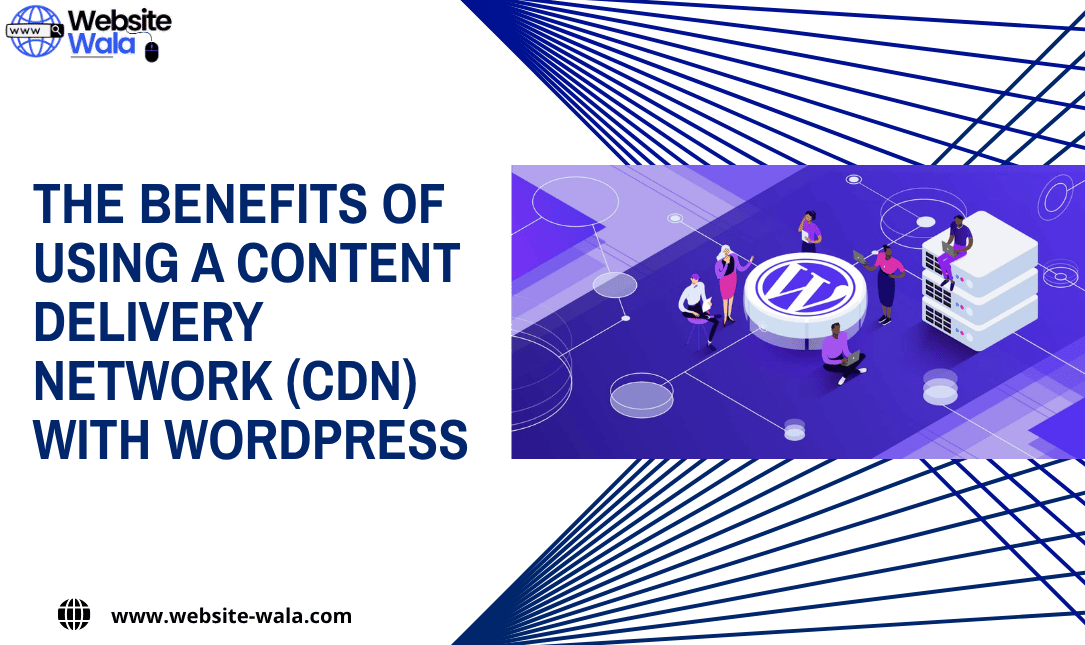
Discover The Benefits of Using a Content Delivery Network (CDN) with WordPress to boost speed, performance, security, and SEO rankings.
Introduction
In today’s fast-paced digital landscape, website performance plays a crucial role in attracting and retaining visitors. A slow-loading site can lead to high bounce rates, poor search rankings, and lost revenue. For WordPress users, integrating a Content Delivery Network (CDN) is one of the most effective strategies for improving site performance and reliability. This article explores The Benefits of Using a Content Delivery Network (CDN) with WordPress, explaining how CDNs enhance website speed, security, and overall user experience while boosting SEO rankings.
What Is a Content Delivery Network (CDN)?
Before diving into The Benefits of Using a Content Delivery Network (CDN) with WordPress, it’s essential to understand what a CDN is. A Content Delivery Network is a network of strategically distributed servers around the world. These servers store cached versions of your website’s static content, such as images, CSS, JavaScript files, and videos. When a visitor accesses your website, the CDN delivers this content from the server closest to the user’s location, significantly reducing latency and improving website loading times.
This geographical distribution ensures that your WordPress site performs efficiently for users worldwide, regardless of their distance from your main hosting server.
The Benefits of Using a Content Delivery Network (CDN) with WordPress
Implementing a CDN with WordPress offers numerous advantages that go beyond faster loading speeds. Let’s break down The Benefits of Using a Content Delivery Network (CDN) with WordPress in detail.
1. Enhanced Website Speed and Performance
One of the most noticeable CDN benefits is improved website speed. A CDN minimizes the physical distance between the server and the user by serving content from the nearest server node. This dramatically reduces latency and ensures faster delivery of website assets.
Improved web performance directly impacts how quickly pages load, which can significantly enhance the overall user experience. Studies show that visitors expect a site to load in under three seconds, and a CDN helps meet these expectations effortlessly.
2. Improved SEO Rankings
Search engines, especially Google, consider website speed a critical ranking factor. A fast-loading WordPress site not only provides a better user experience but also ranks higher in search results. By improving your web performance through a CDN, you’re optimizing your site for better SEO rankings.
When discussing The Benefits of Using a Content Delivery Network (CDN) with WordPress, the SEO impact cannot be overlooked. Faster website loading times lead to reduced bounce rates, higher engagement, and improved crawl efficiency—three key signals that boost your SEO performance.
3. Strengthened Website Security
Security is another major aspect of The Benefits of Using a Content Delivery Network (CDN) with WordPress. Modern CDNs come equipped with advanced website security features like DDoS protection, SSL encryption, and web application firewalls (WAF). These features protect your WordPress site from malicious traffic, hacking attempts, and data breaches.
By filtering out harmful requests and distributing traffic efficiently, a CDN adds an extra layer of security that keeps your website safe and reliable for visitors.
4. Better Website Caching and Resource Management
Website caching is one of the core CDN advantages that improves both performance and server efficiency. A CDN stores cached versions of your site’s static content, reducing the load on your origin server. This not only ensures faster delivery but also prevents downtime during traffic spikes.
With optimized website caching, your WordPress site can handle more visitors simultaneously without sacrificing website speed or performance.
5. Global Content Distribution
For WordPress sites with an international audience, The Benefits of Using a Content Delivery Network (CDN) with WordPress extend to global accessibility. Without a CDN, your content is served from a single location, which can cause delays for users far from your hosting server.
A Content Delivery Network solves this issue by replicating your website’s content across multiple servers worldwide. Whether your visitors are in New York, Tokyo, or London, they’ll experience the same fast website loading times and seamless browsing experience.
6. Reduced Bandwidth Costs
Another important aspect of The Benefits of Using a Content Delivery Network (CDN) with WordPress is cost efficiency. Because CDNs cache content and serve it from edge servers, they significantly reduce the amount of data that must be delivered directly from your web host. This leads to lower bandwidth consumption and reduced hosting costs.
Over time, this can result in substantial savings, particularly for websites with high traffic or media-rich pages.
7. Enhanced User Experience
A smooth and responsive website enhances user experience, one of the most important factors for success in the digital world. A CDN ensures that visitors enjoy quick page loads, secure browsing, and uninterrupted access to your content.
Improved user experience not only encourages repeat visits but also increases the likelihood of conversions and customer loyalty. This is why The Benefits of Using a Content Delivery Network (CDN) with WordPress go beyond technical improvements—they directly impact business performance.
8. Reliability and Uptime Improvement
Website downtime can damage your reputation and cost you valuable leads. With a CDN, if one server goes down, another automatically takes over. This redundancy ensures that your WordPress site remains accessible even during unexpected outages.
This high level of reliability highlights another critical aspect of The Benefits of Using a Content Delivery Network (CDN) with WordPress—consistent uptime and dependable performance.
How to Implement a CDN with WordPress
Setting up a CDN for your WordPress website is relatively straightforward. Popular CDN providers like Cloudflare, StackPath, and KeyCDN offer simple integrations and plugins that make setup easy.
Here’s a quick overview of the process:
-
Choose a CDN provider that fits your needs and budget.
-
Install a WordPress plugin (like W3 Total Cache or WP Rocket) to integrate the CDN.
-
Configure CDN settings, ensuring all static assets (CSS, JS, images) are delivered via CDN servers.
-
Test website performance using tools like GTmetrix or Google PageSpeed Insights to confirm improvements.
Once configured, your site will automatically benefit from enhanced website speed, website caching, and improved security.
Final Thoughts on The Benefits of Using a Content Delivery Network (CDN) with WordPress
In summary, The Benefits of Using a Content Delivery Network (CDN) with WordPress extend across performance, security, cost savings, and user satisfaction. From faster website loading times and better SEO rankings to enhanced website security and global content accessibility, a CDN is an essential tool for any serious WordPress website owner.
Investing in a Content Delivery Network ensures your website is optimized for both users and search engines. Whether you’re managing a personal blog, an eCommerce store, or a corporate site, implementing a CDN will deliver measurable improvements in website performance and long-term reliability.






