

 Build Your Dream Website – with Website Wala



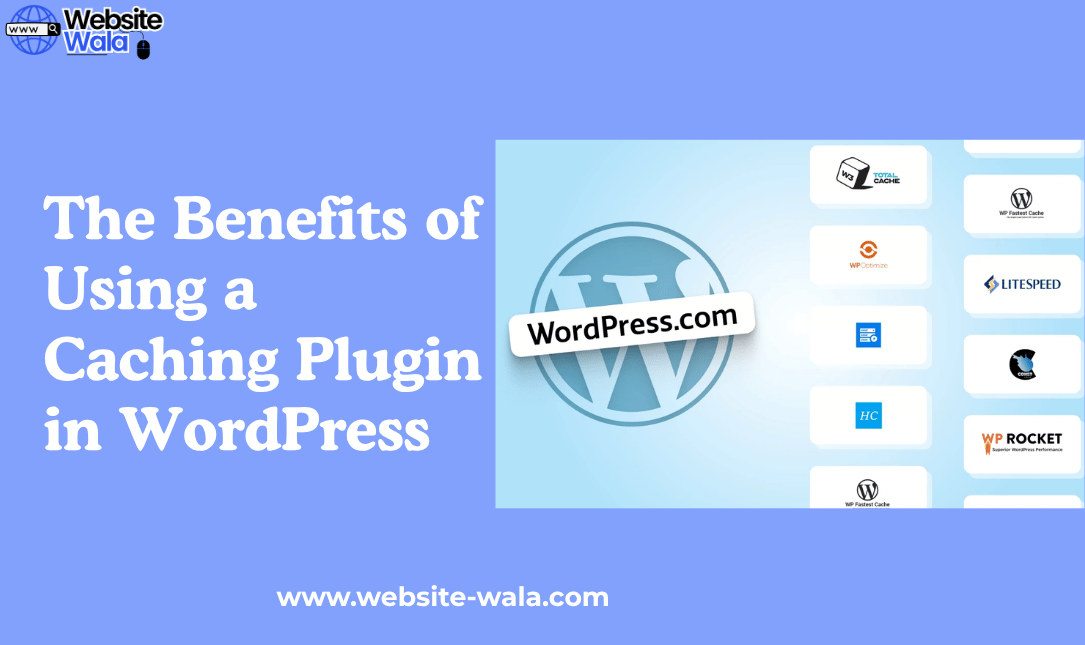
Discover The Benefits of Using a Caching Plugin in WordPress and how it enhances website performance, SEO rankings, and user experience.
Introduction
In today’s fast-paced digital world, website performance plays a critical role in attracting and retaining visitors. Slow-loading websites frustrate users and negatively impact search engine rankings. One of the most effective ways to enhance your WordPress website’s speed and efficiency is through caching. In this article, we’ll explore The Benefits of Using a Caching Plugin in WordPress, explaining how it improves website performance, boosts SEO rankings, and creates a better user experience.
What Is a Caching Plugin in WordPress?
Before diving into The Benefits of Using a Caching Plugin in WordPress, it’s essential to understand what caching actually means. Caching is a technique that temporarily stores copies of your website’s data, such as HTML pages, images, and scripts, to reduce server load and speed up content delivery.
A caching plugin in WordPress automates this process by saving static versions of your dynamic pages. When a visitor accesses your website, the cached version is displayed instead of generating the page from scratch. This leads to faster load times, reduced bandwidth usage, and improved website performance overall.
Popular WordPress plugins for caching include WP Rocket, W3 Total Cache, and WP Super Cache, among others. Each plugin offers unique features for website optimization and performance improvement.
The Benefits of Using a Caching Plugin in WordPress
1. Significant Improvement in Website Speed
One of the most noticeable caching benefits is a dramatic increase in website speed. When users visit your site, they receive preloaded content from the cache rather than waiting for the server to process each request. This process minimizes loading time and improves website efficiency.
Fast-loading pages are not just a luxury—they’re a necessity. Studies show that visitors tend to abandon websites that take longer than three seconds to load. Therefore, The Benefits of Using a Caching Plugin in WordPress directly translate into higher user satisfaction and engagement.
2. Enhanced User Experience
Website speed directly affects user experience. A fast, responsive website encourages visitors to browse more pages, spend more time on your site, and ultimately convert into customers. With a reliable caching plugin, your visitors enjoy smooth navigation and faster content delivery.
Whether your site is an e-commerce store, blog, or business portfolio, The Benefits of Using a Caching Plugin in WordPress ensure that your users experience consistent performance across all devices.
3. Boosted SEO Rankings
Search engines like Google prioritize fast-loading websites in their search results. Website optimization through caching can therefore have a direct impact on your SEO rankings. When your site loads quickly, it signals to search engines that it provides a positive user experience—an essential factor for ranking higher.
By improving website speed and reducing bounce rates, The Benefits of Using a Caching Plugin in WordPress extend beyond performance—they enhance your visibility and credibility online.
4. Reduced Server Load and Resource Usage
When multiple users visit your website simultaneously, your server can become overwhelmed by processing requests for each page. A caching plugin alleviates this issue by serving cached content instead of repeatedly generating it from the database.
This results in performance improvement and more efficient resource management. Even during high traffic spikes, your site remains stable and responsive. Hence, The Benefits of Using a Caching Plugin in WordPress also include improved reliability and reduced downtime.
5. Better Website Efficiency and Stability
Website efficiency is another key factor in overall performance. A caching plugin optimizes how your WordPress site handles data, images, and scripts, reducing unnecessary server strain.
By minimizing backend processes, caching ensures your website runs smoothly under all conditions. The Benefits of Using a Caching Plugin in WordPress help maintain consistent uptime and faster load times, even as your content and traffic grow.
6. Improved Conversion Rates
Speed isn’t just about convenience—it’s directly linked to revenue. Slow websites deter potential customers, while faster ones encourage purchases and interactions. Studies reveal that even a one-second delay in page load time can reduce conversions by up to 7%.
Through caching, you eliminate unnecessary wait times, providing a seamless experience that keeps visitors engaged. This means The Benefits of Using a Caching Plugin in WordPress also include higher conversion rates and business growth.
7. Cost-Effective Website Optimization
Investing in a caching plugin is one of the most affordable methods for website optimization. Instead of spending on expensive servers or CDNs, caching allows you to maximize existing resources.
Free and premium caching plugins alike provide outstanding performance improvement without the need for technical expertise. The Benefits of Using a Caching Plugin in WordPress make it an excellent choice for small businesses, bloggers, and enterprises seeking affordable solutions for speed optimization.
8. Compatibility with Other WordPress Plugins
Modern WordPress plugins are designed for compatibility and performance. Most caching plugins integrate seamlessly with SEO, security, and image optimization tools, allowing you to create a powerful and efficient website ecosystem.
This compatibility means you can combine caching with other optimization strategies to achieve even greater results. Ultimately, The Benefits of Using a Caching Plugin in WordPress complement other efforts in building a high-performing, user-friendly site.
9. Improved Mobile Performance
With the majority of web traffic coming from mobile devices, mobile speed optimization is essential. A caching plugin helps deliver lightweight, cached versions of your site tailored for mobile users.
By minimizing loading times and optimizing scripts, The Benefits of Using a Caching Plugin in WordPress extend to mobile users, ensuring consistent performance across devices. This also supports your site’s mobile SEO efforts and enhances the browsing experience.
10. Easier Website Management
Lastly, The Benefits of Using a Caching Plugin in WordPress include simplified management. Most caching plugins come with user-friendly dashboards that allow you to clear cache, monitor performance, and adjust settings with ease.
With just a few clicks, you can configure advanced caching features such as browser caching, database optimization, and content delivery network (CDN) integration. This means better control over your website’s performance improvement without complex coding.
How to Choose the Right Caching Plugin
When selecting a caching plugin for your WordPress site, consider factors such as ease of use, compatibility, support, and features. Popular choices like WP Rocket, LiteSpeed Cache, and W3 Total Cache provide robust solutions for website optimization and speed enhancement.
Make sure to test and monitor results after installation to measure the actual impact on website performance and user experience.
Conclusion
The Benefits of Using a Caching Plugin in WordPress are undeniable. From faster loading times and improved SEO rankings to better website efficiency and user satisfaction, caching is an essential component of any modern website strategy.
By integrating a reliable caching plugin, you not only boost website performance but also create a smoother, more enjoyable experience for your visitors. Whether you’re running a blog, an online store, or a corporate site, embracing caching is a simple yet powerful step toward lasting performance improvement and online success.






