

 Build Your Dream Website – with Website Wala



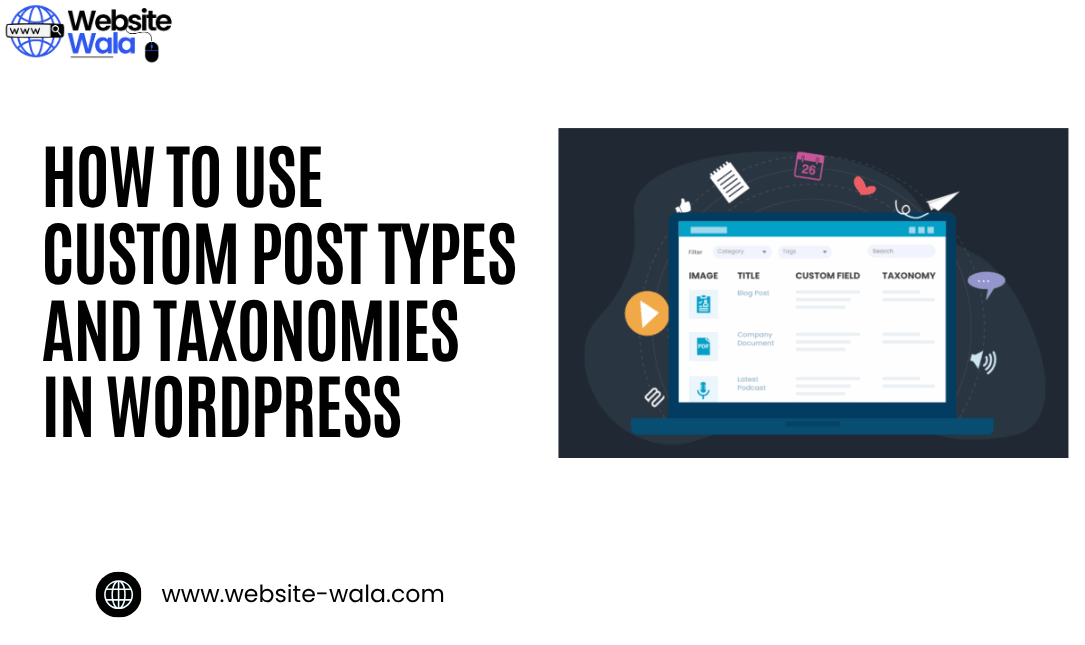
Learn How to Use Custom Post Types and Taxonomies in WordPress with step-by-step instructions, examples, and expert tips to organize and display content.
Introduction
If you’re looking to expand your WordPress website beyond simple posts and pages, understanding How to Use Custom Post Types and Taxonomies in WordPress is essential. These features give you the power to create structured, dynamic, and highly organized websites that go beyond the default WordPress setup. Whether you’re building a portfolio, a product catalog, or a movie database, custom post types and taxonomies allow you to customize, organize, and display content effectively.
In this article, you’ll learn How to Use Custom Post Types and Taxonomies in WordPress with step-by-step instructions, clear examples, and practical tips to take your website to the next level.
What Are Custom Post Types in WordPress?
By default, WordPress includes standard post types such as posts, pages, attachments, and menus. However, when you want to go beyond blogging or basic page content, custom post types come into play.
A custom post type is a content structure that you can define and use for different kinds of information. For example, if you’re creating a movie review site, you might register a “Movies” post type to store information like title, genre, release year, and rating.
With custom post types, you can:
-
Create unique types of content for your website.
-
Organize posts in a structured way.
-
Display content dynamically with customized templates.
-
Customize your WordPress experience for specific project needs.
Learning How to Use Custom Post Types and Taxonomies in WordPress opens the door to a fully personalized content management system.
What Are Taxonomies in WordPress?
Before diving deeper into How to Use Custom Post Types and Taxonomies in WordPress, it’s important to understand taxonomies.
Taxonomies are systems that help you organize and group your content. The two default taxonomies in WordPress are categories and tags. However, just like post types, you can also create custom taxonomies to better fit your needs.
For example:
-
On a recipe site, you might create a custom taxonomy for “Cuisine Type” (e.g., Italian, Chinese, Indian).
-
On a real estate website, you could have “Property Type” (e.g., Apartment, Villa, Condo).
Using custom taxonomies helps you organize your custom post types more effectively and improves how you display content across your website.
Why You Should Use Custom Post Types and Taxonomies
Understanding How to Use Custom Post Types and Taxonomies in WordPress gives you complete control over how content is structured and presented. Here are some key benefits:
-
Better Organization: Keep your posts, pages, and specialized content separate for clarity.
-
Improved SEO: Well-organized content makes it easier for search engines to index your pages.
-
Enhanced Customization: Tailor your WordPress website to fit unique business or personal needs.
-
Improved User Experience: Visitors can easily navigate through related content.
-
Professional Display: Create and display information in a visually appealing and organized way.
Step-by-Step Instructions: How to Create Custom Post Types in WordPress
Now, let’s dive into the practical part of How to Use Custom Post Types and Taxonomies in WordPress with step-by-step instructions.
Step 1: Register Your Custom Post Type
You can create a custom post type using the register_post_type() function in your theme’s functions.php file or in a custom plugin.
Here’s a simple example:
function create_movies_post_type() { register_post_type('movies', array( 'labels' => array( 'name' => __('Movies'), 'singular_name' => __('Movie') ), 'public' => true, 'has_archive' => true, 'rewrite' => array('slug' => 'movies'), 'supports' => array('title', 'editor', 'thumbnail', 'excerpt', 'comments') ) ); } add_action('init', 'create_movies_post_type');
This code creates a new post type called “Movies.” You can now add, edit, and manage movie entries just like regular posts.
Step 2: Customize Your Post Type
Once you’ve registered your post type, you can customize it further by adjusting settings like menu position, icon, or supported features. For example, if you want to add custom fields for “Rating” or “Release Date,” you can use plugins like Advanced Custom Fields (ACF).
Step 3: Display Content on Your Website
After creating your custom post type, you’ll want to display content on your website. You can do this by creating a template file such as single-movies.php or archive-movies.php in your theme folder. This ensures your custom post type content appears with a unique layout.
Step-by-Step Instructions: How to Create Custom Taxonomies in WordPress
Creating custom taxonomies is the next step in mastering How to Use Custom Post Types and Taxonomies in WordPress.
Step 1: Register Your Custom Taxonomy
Use the register_taxonomy() function to create a new taxonomy.
Here’s an example:
function create_movie_taxonomies() { register_taxonomy( 'genre', 'movies', array( 'label' => __('Genres'), 'rewrite' => array('slug' => 'genre'), 'hierarchical' => true, ) ); } add_action('init', 'create_movie_taxonomies');
This code creates a taxonomy called “Genre” associated with the “Movies” post type. You can now organize your movies by genres like Action, Drama, or Comedy.
Step 2: Customize and Display Taxonomies
To display content by taxonomy, you can use templates like taxonomy-genre.php. This allows users to browse all posts that share the same taxonomy term.
Practical Examples of Using Custom Post Types and Taxonomies
Here are some real-world examples of how you can use custom post types and taxonomies in WordPress:
-
Portfolio Website:
-
Custom Post Type: Projects
-
Custom Taxonomy: Project Type (Web Design, Branding, Photography)
-
-
Recipe Website:
-
Custom Post Type: Recipes
-
Custom Taxonomy: Cuisine Type (Mexican, Thai, Italian)
-
-
E-Commerce Website:
-
Custom Post Type: Products
-
Custom Taxonomy: Product Category (Electronics, Furniture, Apparel)
-
These examples show that learning How to Use Custom Post Types and Taxonomies in WordPress enables you to create and organize tailored content structures for virtually any kind of website.
Tips for Managing Custom Post Types and Taxonomies
-
Use plugins like Custom Post Type UI (CPT UI) to manage post types without coding.
-
Combine Advanced Custom Fields (ACF) for additional flexibility.
-
Always create backups before editing theme files.
-
Use SEO plugins like Rank Math or Yoast SEO to optimize your new post types.
-
Keep your URLs and permalinks consistent for better display content organization.
Conclusion
Mastering How to Use Custom Post Types and Taxonomies in WordPress empowers you to create, organize, and display content in a way that fits your unique goals. Whether you’re running a blog, an online store, or a complex directory, these tools help you customize and scale your website efficiently.
By following the step-by-step instructions and exploring the examples above, you can transform your WordPress site from a simple blog into a fully functional, dynamic content management system.






