

 Build Your Dream Website – with Website Wala



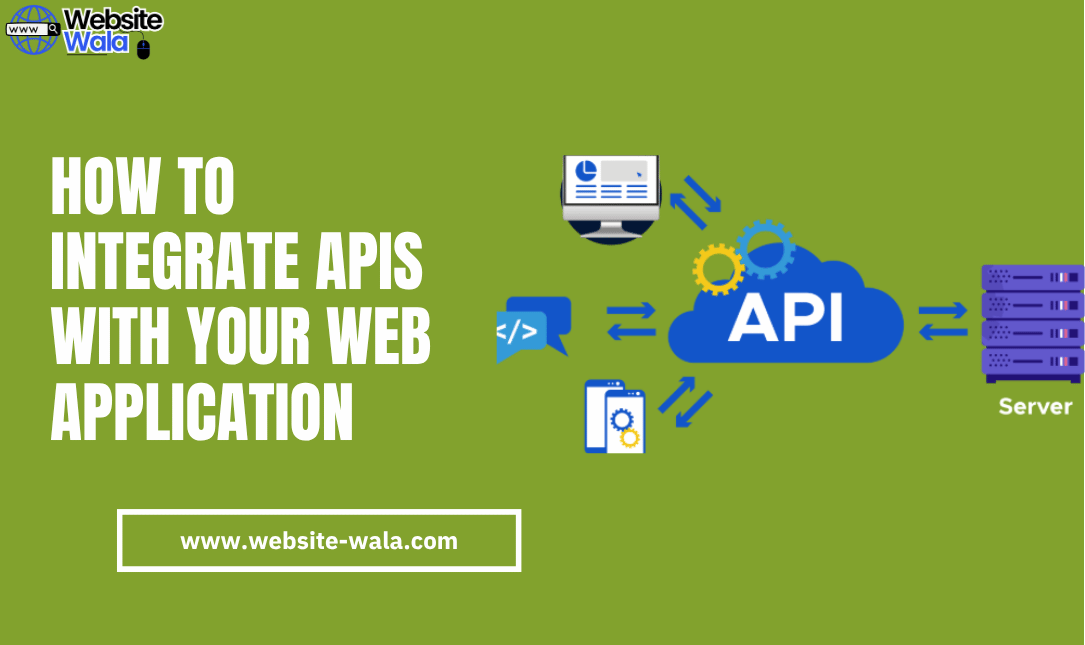
Learn How to Integrate APIs with Your Web Application effectively using API best practices, secure endpoints, and efficient web development techniques.
How to Integrate APIs with Your Web Application
In modern web development, applications rarely exist in isolation. Whether it’s enabling user authentication via Google, integrating payment gateways like Stripe, or displaying live weather data, APIs are the bridge between your web application and external services. Knowing How to Integrate APIs with Your Web Application efficiently is essential for building scalable, secure, and dynamic software solutions.
This guide explores How to Integrate APIs with Your Web Application, covering everything from understanding API basics to implementing endpoints securely and efficiently.
What Is API Integration and Why It Matters
Before diving into How to Integrate APIs with Your Web Application, it’s important to understand what API integration means. API integration is the process of connecting different software systems to exchange data and functionality through web services.
For example:
-
A web application may use Google Maps APIs to display location data.
-
An e-commerce site could connect to PayPal APIs for payment processing.
-
A content management system might rely on social media APIs for automatic content sharing.
In software development, API integration allows developers to leverage pre-built tools and external services, saving time, reducing code complexity, and improving functionality.
Understanding the Basics: How APIs Work
To understand How to Integrate APIs with Your Web Application, let’s break down how APIs operate.
An API (Application Programming Interface) defines a set of rules that allow applications to connect APIs and communicate with each other. This is typically achieved through HTTP requests such as:
-
GET – Retrieve data
-
POST – Send data
-
PUT/PATCH – Update data
-
DELETE – Remove data
Each API exposes API endpoints, which are specific URLs where requests can be made. When your web application makes a call to an endpoint, the API returns structured data, often in JSON or XML format.
Example API request:
fetch("https://api.example.com/data") .then(response => response.json()) .then(data => console.log(data));
This basic example demonstrates how API usage works in web programming.
Step-by-Step Guide: How to Integrate APIs with Your Web Application
Integrating APIs into your web application involves several stages. Here’s a step-by-step guide on How to Integrate APIs with Your Web Application effectively.
1. Choose the Right API for Your Needs
The first step in API integration is identifying which external services your web application requires. Common types of APIs include:
-
Payment APIs (Stripe, PayPal)
-
Social Media APIs (Facebook, Twitter)
-
Geolocation APIs (Google Maps, OpenStreetMap)
-
Email APIs (SendGrid, Mailchimp)
Evaluate the API documentation, pricing, and API best practices before selecting one. A well-documented API ensures smoother integration and easier debugging.
2. Understand API Documentation
One of the most crucial steps in How to Integrate APIs with Your Web Application is understanding API documentation. This documentation outlines how to use the API, available API endpoints, required authentication methods, and example requests/responses.
Look for:
-
Base URLs for endpoints
-
Request methods (GET, POST, etc.)
-
Authentication methods (API keys, OAuth tokens)
-
Rate limits and restrictions
Thoroughly reading the API documentation prevents integration issues and ensures optimal API usage.
3. Obtain API Access Credentials
To connect APIs securely, you typically need authentication credentials such as an API key or OAuth token. These credentials identify your web application and prevent unauthorized API usage.
Example using an API key:
fetch("https://api.example.com/data?api_key=YOUR_KEY") .then(response => response.json()) .then(data => console.log(data));
Keep your API keys confidential to maintain API security. Never hard-code them in public repositories or expose them in client-side scripts.
4. Set Up API Requests in Your Web Application
Now that you have your credentials, it’s time to make requests to the API. Depending on your technology stack—whether you’re using React, Node.js, Python, or PHP—the logic remains the same: send an HTTP request, handle the response, and display data in your web application.
For example, using JavaScript (fetch API):
async function getWeather() { const response = await fetch("https://api.weather.com/v1/current?api_key=YOUR_KEY"); const data = await response.json(); console.log(data); } getWeather();
This shows the practical aspect of How to Integrate APIs with Your Web Application through web programming.
5. Handle Responses and Errors Gracefully
Proper error handling is a key aspect of API best practices. When integrating external services, failures such as network timeouts or invalid responses can occur. Always implement fallback mechanisms to ensure your web application remains stable.
Example:
try { const response = await fetch("https://api.example.com/data"); if (!response.ok) throw new Error("API request failed"); const data = await response.json(); } catch (error) { console.error("Error fetching API data:", error); }
This ensures smooth software development even when APIs behave unpredictably.
6. Secure Your API Integration
API security is a critical factor in How to Integrate APIs with Your Web Application safely. Follow these API best practices:
-
Always use HTTPS for secure data transfer.
-
Never expose private API keys on the client side.
-
Implement rate limiting and token expiration.
-
Validate all incoming and outgoing data.
-
Keep third-party dependencies updated.
Maintaining API security protects your web application and your users from vulnerabilities.
7. Optimize Performance and Scalability
As your web application grows, so does the need for efficient API usage. Optimize your integration by:
-
Caching responses to reduce redundant requests.
-
Batching API calls where possible.
-
Monitoring API endpoints for latency or downtime.
-
Implementing asynchronous requests to avoid blocking UI rendering.
These strategies ensure that API integration doesn’t negatively affect performance.
Common Challenges When You Integrate APIs
When learning How to Integrate APIs with Your Web Application, developers often face a few common issues:
-
Authentication Errors – Caused by expired or invalid tokens.
-
Rate Limiting – APIs may restrict the number of requests per minute.
-
Versioning Conflicts – New API versions can break existing integrations.
-
Inconsistent Data Formats – APIs may return unexpected data structures.
-
Security Risks – Unencrypted or poorly managed API keys can be exploited.
Understanding and preparing for these challenges is part of mastering API integration in professional web development.
API Best Practices for Long-Term Success
Successful API integration doesn’t end once the connection works. Continuous improvement and adherence to API best practices ensure a reliable system:
-
Regularly review API documentation for updates.
-
Use environment variables for sensitive credentials.
-
Implement detailed logging for debugging.
-
Test your integration using sandbox or staging environments.
-
Monitor API health and usage analytics.
These practices enhance your software development process and ensure stable, secure API usage.
Conclusion
Mastering How to Integrate APIs with Your Web Application is a crucial skill for any web development professional. By understanding API endpoints, reading API documentation, ensuring API security, and following API best practices, you can build robust, scalable, and secure web applications that leverage powerful external services.
With the right approach, API integration transforms your application from a standalone tool into a connected, intelligent, and interactive digital ecosystem—paving the way for innovation in modern software development.






