

 Build Your Dream Website – with Website Wala



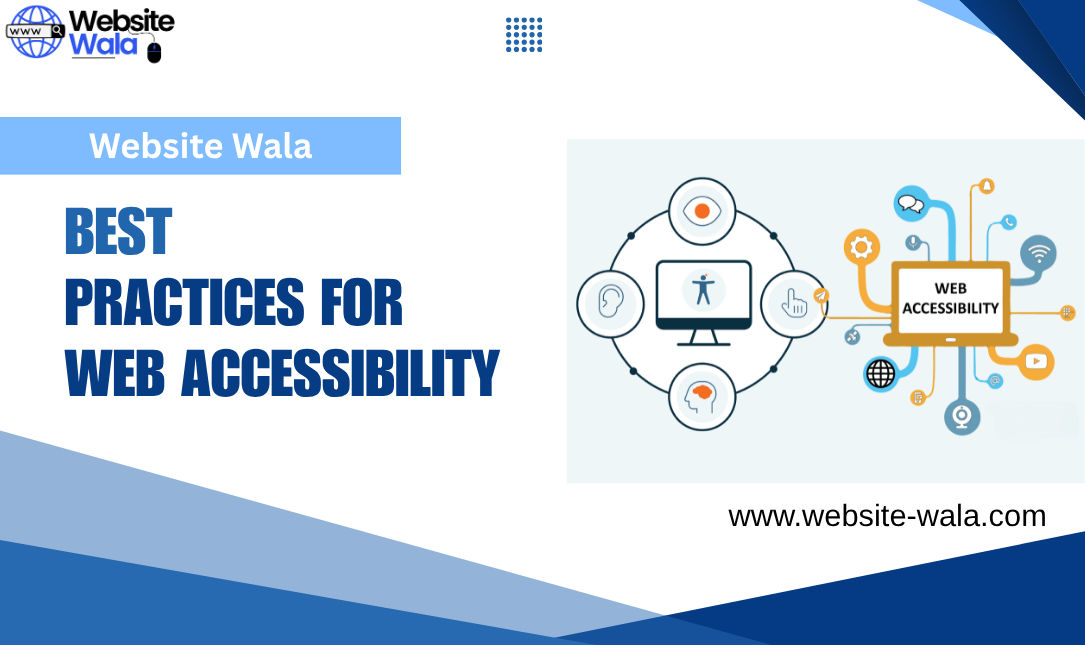
Discover the Best Practices for Web Accessibility to create inclusive, ADA-compliant websites that meet WCAG standards and improve usability for all users.
Best Practices for Web Accessibility
Creating an inclusive and accessible online experience is no longer optional—it’s essential. Following the Best Practices for Web Accessibility ensures that everyone, including people with disabilities, can access, navigate, and interact with your website effectively. Accessibility not only improves usability but also strengthens brand reputation, enhances SEO, and ensures compliance with accessibility standards like WCAG (Web Content Accessibility Guidelines) and ADA compliance requirements.
In this comprehensive guide, we’ll explore the Best Practices for Web Accessibility, focusing on principles, tools, and techniques to make your site usable for all.
What Is Web Accessibility?
Web accessibility refers to designing and developing websites so that people of all abilities, including those with visual, auditory, cognitive, and motor disabilities, can use them without barriers. It’s a key part of inclusive design, ensuring everyone can perceive, understand, navigate, and interact with digital content effectively.
Accessible websites not only cater to visually impaired users relying on screen readers but also benefit users with temporary impairments, such as a broken arm or poor internet connection. Following Best Practices for Web Accessibility ensures that no one is excluded from accessing essential information and services online.
Why the Best Practices for Web Accessibility Matter
Implementing Best Practices for Web Accessibility benefits users and organizations alike. Here’s why accessibility should be a top priority in web development:
-
Legal Compliance:
Many countries, including the United States, enforce ADA compliance for websites. Failing to meet WCAG and other accessibility standards can lead to legal repercussions. -
Better User Experience:
Accessible websites are easier to navigate and more intuitive for all users, improving usability across devices and contexts. -
Enhanced SEO Performance:
Search engines reward accessible websites with better indexing and visibility since accessible features often align with SEO best practices—like clear structure, semantic HTML, and descriptive alt text. -
Expanded Audience Reach:
Accessibility opens your website to millions of people with disabilities, increasing engagement and conversions.
By following Best Practices for Web Accessibility, you’re not just complying with laws—you’re fostering digital accessibility that benefits everyone.
Core Principles of Web Accessibility
The WCAG guidelines are built around four foundational principles, often summarized as P.O.U.R.—Perceivable, Operable, Understandable, and Robust. Each plays a crucial role in creating accessible web content.
-
Perceivable:
Information and UI components must be presented in ways users can perceive. For instance, adding alt text to images allows screen reader users to understand visual content. -
Operable:
All functionality should be accessible via keyboard navigation for users with motor disabilities who can’t use a mouse. -
Understandable:
Content and navigation should be clear and predictable. Avoid jargon and ensure consistent layouts to support cognitive accessibility. -
Robust:
Content must work across different devices, browsers, and assistive technologies like screen readers and ARIA landmarks.
These principles serve as the backbone of all Best Practices for Web Accessibility.
Key Best Practices for Web Accessibility
1. Use Semantic HTML
Properly structured HTML enhances digital accessibility by allowing screen readers to interpret content accurately. Use semantic tags such as <header>, <main>, <nav>, and <footer>—and include ARIA landmarks to define page regions for assistive technologies.
2. Provide Descriptive Alt Text
Images should always include alt text describing their content or function. This ensures that visually impaired users can understand visual information through screen readers. Avoid using generic phrases like “image of” or “picture of”; instead, describe the image’s purpose or context.
3. Ensure High Color Contrast
Adequate color contrast between text and background improves readability for users with low vision or color blindness. Follow WCAG contrast ratios—at least 4.5:1 for normal text and 3:1 for large text—to meet accessibility standards.
4. Enable Full Keyboard Navigation
Users with motor disabilities often rely on keyboards rather than mice. Ensure all interactive elements—buttons, forms, menus, and media players—are accessible through keyboard navigation using the Tab, Enter, and Arrow keys.
5. Use Clear and Consistent Layouts
Consistency supports usability and comprehension. Stick to predictable layouts, clear headings, and logical navigation structures to make your accessible web content easy to explore.
6. Label Forms Clearly
Form elements should have descriptive labels and clear error messages. Proper labeling enhances screen reader compatibility and improves web accessibility for all users.
7. Provide Captions and Transcripts
Multimedia content, including videos and podcasts, should include captions and transcripts to support users who are deaf or hard of hearing. This is a vital part of Best Practices for Web Accessibility.
8. Make Dynamic Content Accessible
Interactive elements like modals, dropdowns, and carousels must be accessible through ARIA landmarks and semantic markup. Ensure that screen readers can interpret changes on the page without confusing users.
9. Support Scalable Text and Responsive Design
Users should be able to resize text without breaking layout or losing functionality. Use relative units like em or rem and ensure inclusive design across different screen sizes and orientations.
10. Test Accessibility Regularly
Even the best developers can overlook accessibility gaps. Regular testing with automated tools and manual audits using screen readers helps ensure compliance with WCAG and ADA standards.
Accessibility Standards and Guidelines to Follow
To implement Best Practices for Web Accessibility, you must understand key frameworks that define accessibility standards:
-
WCAG (Web Content Accessibility Guidelines):
The global benchmark for accessible web content, covering principles, success criteria, and testable checkpoints at three levels—A, AA, and AAA. -
Section 508:
U.S. government standards requiring federal agencies to ensure digital accessibility. -
ADA Compliance:
The Americans with Disabilities Act mandates accessibility in public spaces, including websites.
Following these frameworks ensures your web development efforts meet recognized best practices and legal requirements.
Inclusive Design: Going Beyond Compliance
While accessibility standards ensure compliance, inclusive design focuses on creating digital experiences that are welcoming to all users from the start. It encourages empathy-driven web development that considers diverse user needs—not as an afterthought but as a fundamental design principle.
By applying Best Practices for Web Accessibility, you not only make your website compliant but also genuinely inclusive, intuitive, and human-centered.
Tools and Resources for Implementing Best Practices
Here are a few resources to help you apply Best Practices for Web Accessibility effectively:
-
WAVE Accessibility Tool: Evaluate web accessibility automatically.
-
axe DevTools: Browser extension for finding WCAG violations.
-
NVDA / JAWS: Screen reader software for testing accessibility.
-
Color Contrast Analyzer: Test color combinations for compliance.
-
WebAIM Resources: Guides and checklists on digital accessibility.
Regularly using these tools helps maintain consistent adherence to accessibility standards and best practices.
Conclusion
Implementing the Best Practices for Web Accessibility is essential for creating an inclusive, legally compliant, and user-friendly website. From providing alt text and ensuring color contrast to designing for keyboard navigation and ARIA landmarks, every step improves the experience for all users—especially those with motor disabilities or who are visually impaired.






